Connection Guide
Master the setup process. Learn exactly how to connect your Instagram or WhatsApp account to your GhostAgent AI assistant.
Switch to Professional Account
To use the Instagram API, your account must be a Professional (Business or Creator) account. You can change this in your Instagram settings under 'Account type and tools'.
Create a Facebook Page
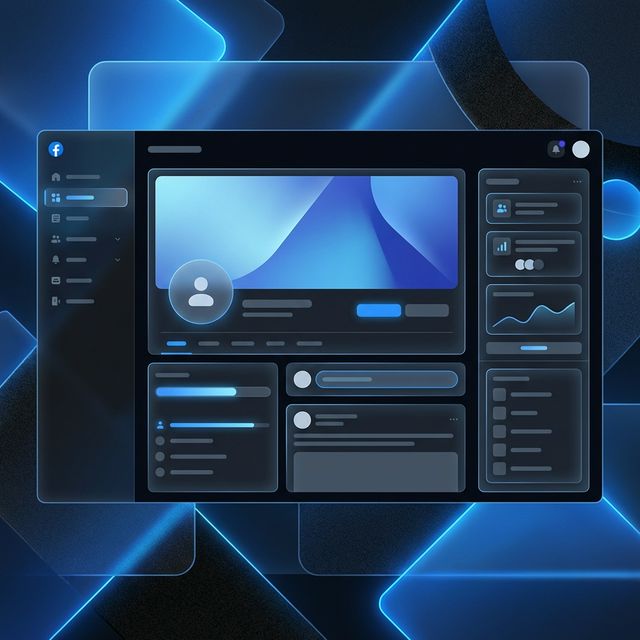
Even if you only use Instagram, Meta requires a Facebook Business Page to route automated messages through their security infrastructure. Create one if you haven't already.
Link Them Together
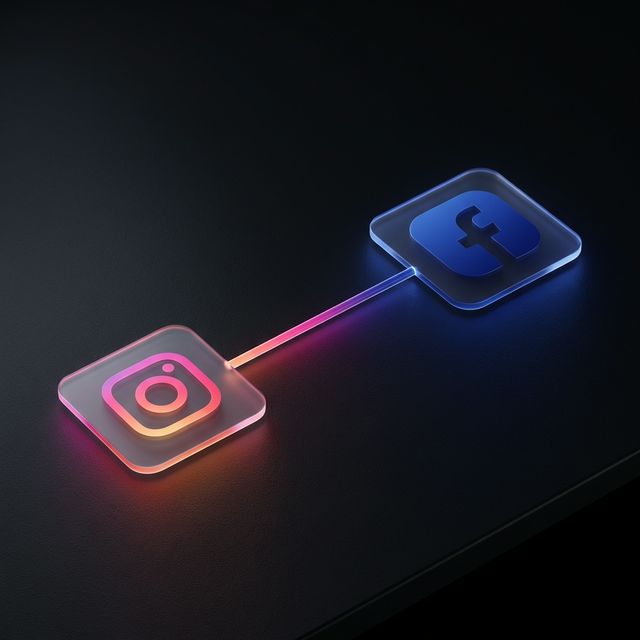
Go to your new Facebook Page settings, find 'Linked Accounts', and connect your Professional Instagram account. Make sure to allow all permissions.
Connect to Ghost Agent
Return to Ghost Agent and click 'Connect Instagram'. Log in with the Facebook account that manages your connected page and approve all requested access.
Frequently Asked Questions
Common confusion points cleared up.